
Technology
- Home
- Technology
- News
This Google Photos update has saved your digital photo frame
Aura's digital photo frames will continue to automatically sync with your Google Photos albums, after API changes threatened to remove the feature. Aura is now rolling out a full migration to Google's new Ambient API, allowing your Aura frame slideshows to be…

Published 5 ماہ قبل on جون 6 2026، 5:00 صبح
By Web Desk
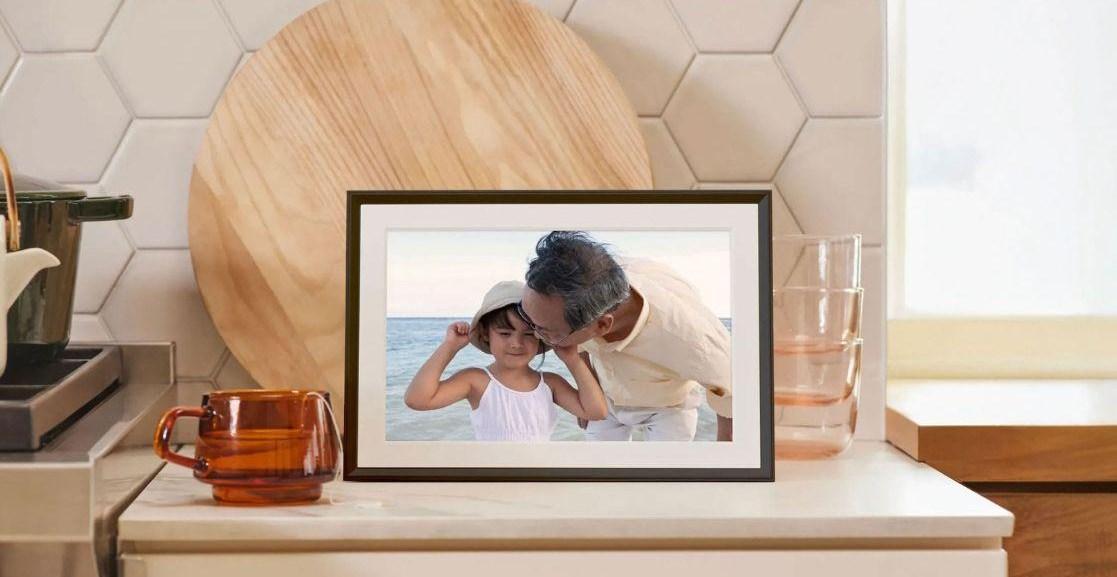
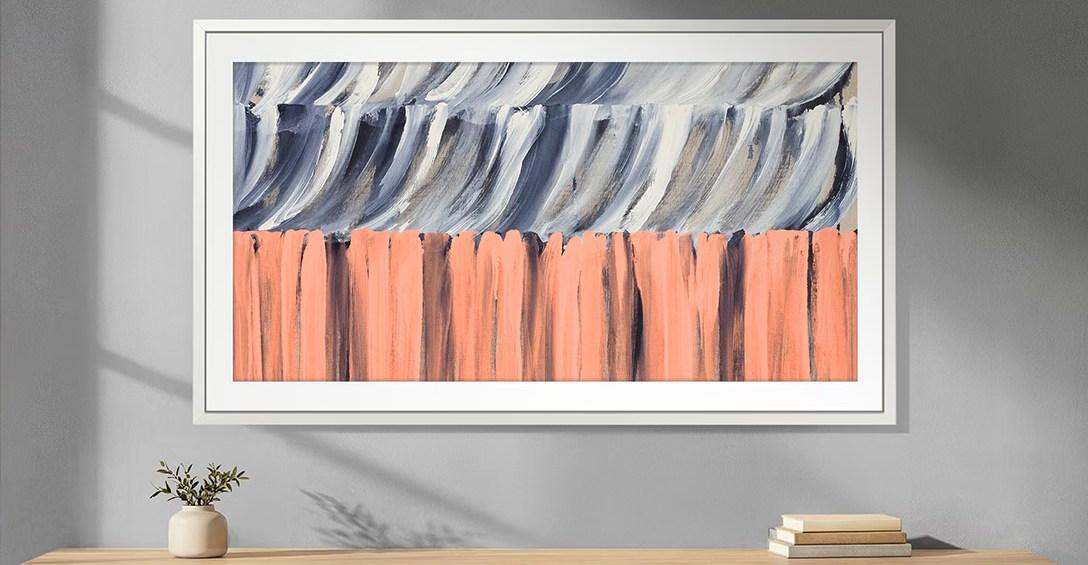
Aura’s digital photo frames will continue to automatically sync with your Google Photos albums, after API changes threatened to remove the feature. Aura is now rolling out a full migration to Google’s new Ambient API, allowing your Aura frame slideshows to be automatically updated with new photos, instead of requiring owners to manually add them via the Google Photos app.
“With our updated Google Photos integration, you can add photos directly from the Google Photos app or sync an entire Google Photos album to keep Aura frames updated automatically,” Aura said in its announcement. “Photos are sent directly to your Aura frames from Google Photos, without the need for manual uploads.”
While Aura users can automatically add photos to their frame with native albums in the camera roll on iOS or native albums in folders on Android, for those using auto-sync with Google Photos, Aura had previously said the feature would be disabled. This was due to Google changing how apps can access Google Photos libraries. Aura announced in March that it was working with Google to preserve the feature, and now it has fully migrated to the new API.
That said, there are a few changes that come with Google’s new Ambient API, principally that adding photos for Aura frames will now happen in the Google Photos app instead of Aura’s. Manual 1:1 photo selection is also moving to Google’s sharesheet for iOS users, or via a new in-app photo selector tool on Android.
Existing auto-sync users will have to reconnect their Google Photos albums in the Aura app to keep albums syncing with new photos. Just open the Aura app, select your frame, tap the “Add Photos” option, and then connect your Google account. New Aura customers will have to set up and use auto-sync and manual photo adding capabilities through the iOS share sheet or Android tool.

At least 30 dead as two high-speed trains collide in Spain
- 18 hours ago

Pakistan says Afghan firing kills one in border district
- 16 hours ago

Jordan strikes militant groups in Syria after church attack
- 2 days ago

Jordan arrests three in dawn raid over church attack
- 3 days ago

Sri Lanka give Green Shirts crushing defeat
- 2 days ago
World Bank sees commodity prices up 23pc in 2026 due to Middle East war, other shocks
- 15 hours ago

LHC's Justice Mohsin Akhtar Kayani resigns over judicial independence, health concerns
- 14 hours ago

Pakistan condemns Houthi missile attacks on Saudi Arabia
- 3 days ago

Pakistan, US explore new avenues for energy cooperation
- 3 days ago

US singer Chris Brown spared jail after pleading guilty over UK nightclub incident
- 3 days ago

Security forces kill nine terrorists in Balochistan: ISPR
- 15 hours ago

NA passes resolution on peaceful settlement of Kashmir dispute
- 2 days ago
You May Like




Trending